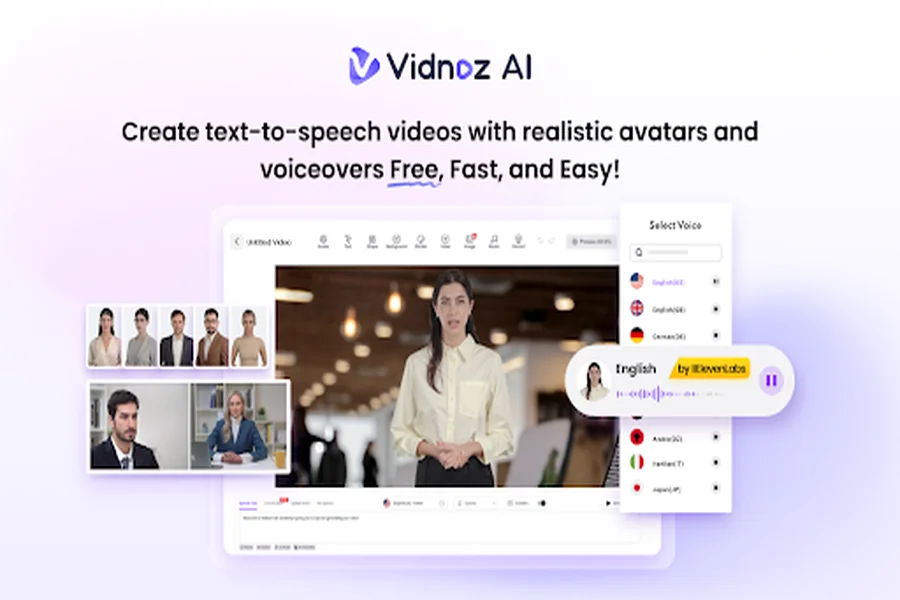
If you want to succeed on social media platforms like Instagram, TikTok, and YouTube, creating high-quality, professional-looking videos is essential. However, producing such content requires expensive equipment, advanced skills, and hours of editing. Vidnoz AI is changing the game by making professional video creation accessible to everyone, on demand. With its AI-powered tools, users can easily generate, enhance, and edit videos that captivate audiences and boost engagement. In this guide, we’ll explore Vidnoz AI and discover how it makes professional video content easy and accessible for everyone.
Part 1: Introduction of Vidnoz AI
What is Vidnoz AI? Vidnoz AI is a powerful and easy-to-use AI Video Generator that enables users to generate high-quality videos with a simple text prompt. No professional experience or editing skills are needed. Simply enter your text, and Vidnoz AI transforms it into polished, professional-quality videos in seconds. The best part of this tool is that it works seamlessly with multiple devices and offers an intuitive interface. The program is certified with ISO/IEC 27001:2022 for Information Security Management, ensuring that your data is safe and secure. Additionally, Vidnoz AI provides a wide range of AI tools such as AI Talking Avatar, AI Cartoon Generator, AI Voice Changer, AI Headshot Generator, AI Text to Video, Online Video Editor, and more.
Part 2: Standout Capabilities of Vidnoz AI
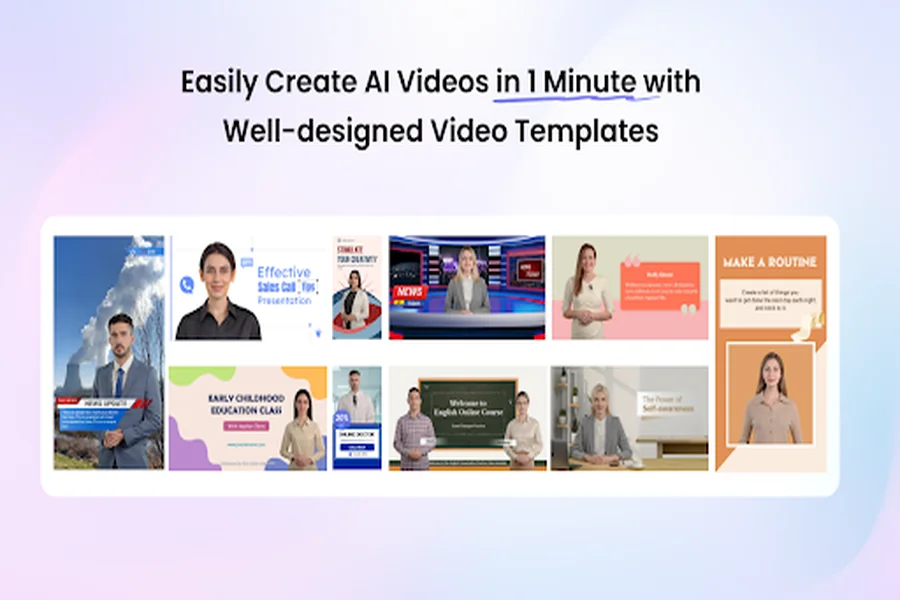
How Vidnoz AI makes professional content accessible? Vidnoz AI comes with powerful features that simplify video creation, allowing anyone to produce professional-quality content effortlessly.
- Pre-Designed Video Templates: Vidnoz AI includes 2800+ customizable templates, allowing users to create high-quality and professional-looking videos easily. With the help of this tool, users can generate various types of videos, including how-to guides, tutorials, product demos, sales pitches, breaking news, and more.
- Realistic AI Avatars: The program offers 1900+ AI avatars from different industries and roles, including doctors, teachers, students, chiefs, hosts, customer supporters, and more. Plus, users can also generate a digital twin using Avatar Lite, and Avatar Pro offers deeper customization features.
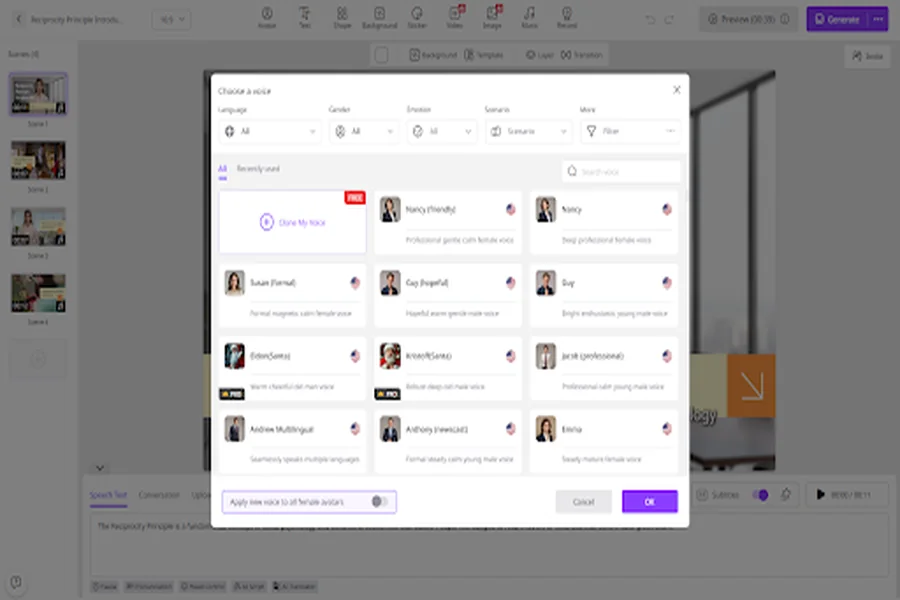
- Natural-Sounding AI Voices: This software provides 2000+ AI voices, all powered by ElevenLabs, Google, and Microsoft. Additionally, with voice cloning, users can create a synthetic voice using audio recordings that resemble 99% of the real voice.
- AI Video Wizard: With Vidnoz AI, users can generate high-quality and professional-looking content without editing experience. The AI Video Wizard feature enables you to produce videos in minutes from a single prompt or any source material.
- Free Version: The standout feature of this tool is that it offers a free version, allowing users to create high-quality content without spending a single penny. This version includes 60 free credits, text-to-video, AI voice change, online video editor, and more.
Part 3: How Vidnoz AI Makes Professional Content Accessible
Vidnoz AI breaks down the barriers to professional video creation. Here’s how it makes high-quality content accessible to everyone.
- Removes Barriers: Traditional video production requires expensive cameras, production teams, and hours of work, making it inaccessible for many creators. Vidnoz AI eliminates these obstacles, allowing anyone to create professional-quality videos effortlessly.
- Fast Video Creation: The program generates polished videos in seconds instead of spending hours or days on manual editing.
- User-Friendly Interface: Vidnoz AI is designed for both beginners and professionals, offering an intuitive, easy-to-navigate platform that simplifies video creation.
- Supported Formats: It supports a wide range of video formats, including MP4, AVI, MOV, MKV, HEVC, and more.
- Customization Options: This tool offers a wide range of personalization options, such as adding a brand logo, choosing background music, applying effects, etc.
Part 4: Step-by-Step Guide to Generate Professional Content With Vidnoz AI in 2026
With Vidnoz AI, users can generate professional content within seconds. Below, we’ve mentioned step-by-step instructions:
- Open your web browser and go to Vidnoz AI’s official site. Log in with your account and select Avatar or Templates.
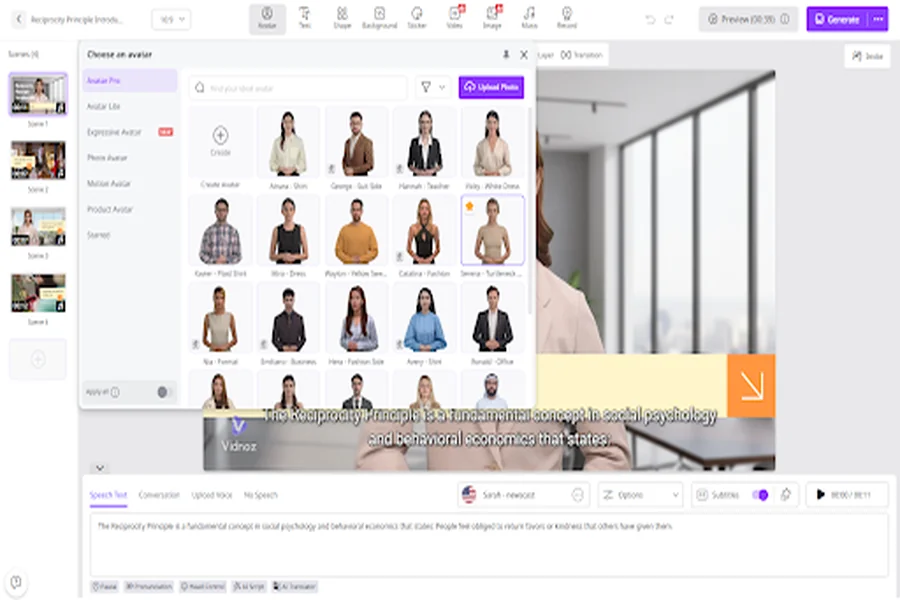
- Enter your video script and choose the AI voice. Vidnoz AI also offers the option to select a language. The program supports 140+ languages, such as English, Chinese, French, Japanese, Spanish, and more.
- Next, use the AI video editor to customize it according to your requirements. It enables you to change the background, add music, insert text, and more.
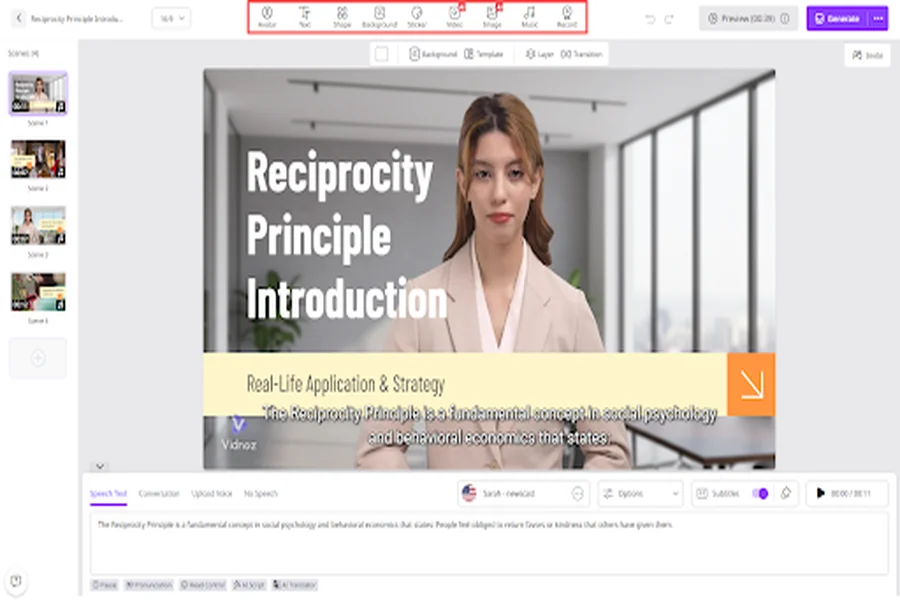
- In the end, click on the “Generate” button to begin the video creation process. Within seconds, your AI video will be ready. Preview it and click on the “Download” button to save it for offline viewing.
Final Thoughts
If you want to generate high-quality, professional videos on demand, Vidnoz AI is the perfect solution. It eliminates the need for expensive equipment, complex editing software, or technical expertise, making video creation accessible to everyone. Whether you’re a business owner, content creator, educator, or social media influencer, Vidnoz AI saves time and provides professional results that capture attention.