
Many enterprises become interested in AI knowledge bases because they want employees to access internal knowledge more easily. At the same time, they worry about where the data goes. Internal policies, product plans, customer records, technical documents, contracts, and process manuals may be too sensitive to send freely to external services. This creates a practical question: can an enterprise AI knowledge base keep data inside the intranet?
The answer depends on architecture. Keeping data inside the intranet is not a single feature. It requires clear boundaries for document storage, parsing, embeddings, vector indexes, model calls, logs, workflows, backups, and administrator access. A company can run some components privately while still calling external models. It can also run the full stack internally, but that requires more infrastructure and operations capability. The right design depends on the risk level and business goal.
A platform such as FastGPT should be evaluated through this architecture lens. The company should not ask only whether a product supports private deployment. It should ask which data moves where, which components can be controlled, and how the system behaves when connected to real enterprise workflows. Intranet deployment is valuable only when it protects the data that actually needs protection.
Define What Must Stay Inside
The first step is to define the data boundary. Does the company need original documents to stay inside the intranet? Parsed text? Embeddings? User questions? Retrieved context? Conversation history? Audit logs? Model responses? Workflow execution records? Backups? These categories are often mixed together in AI discussions, but each has a different risk profile.
For example, embeddings may appear less readable than text, but they still represent internal content and should be treated carefully. Conversation logs may contain sensitive user questions and retrieved passages. Workflow logs may reveal business processes or customer details. If the team only protects uploaded files but ignores logs and prompts, the data boundary is incomplete.
This definition should be written down before the pilot begins. Otherwise, teams may make inconsistent choices during implementation. A developer may enable an external parsing service for convenience. An administrator may export logs for troubleshooting. A workflow designer may connect an external notification tool. None of these actions may be malicious, but each can break the intended boundary. A written data-flow map helps every stakeholder understand what is allowed.
Understand the Model Boundary
The model boundary is usually the hardest decision. If the knowledge base uses an external model API, user questions and retrieved context may leave the intranet unless the system is configured to prevent it. If the organization requires that no retrieved internal knowledge leave the network, then local model inference or an approved private model endpoint may be necessary.
This does not mean every company must run all models locally. Some companies decide that certain low-risk knowledge can use external models, while confidential knowledge must use local or controlled models. Others use local embeddings but external generation for approved content. The key is to document the policy and test it. Do not assume that "private deployment" automatically means model calls are private.
Model boundary decisions should also consider answer quality and operations. Local models may satisfy strict data rules, but they require hardware, monitoring, update procedures, and quality evaluation. External models may provide stronger reasoning or lower operational burden, but they require careful review of what data is sent. A hybrid approach can work, but only if routing rules are explicit. The assistant should not accidentally send confidential retrieved context to a model endpoint that was approved only for public content.
Keep Retrieval and Indexing Under Control
An AI knowledge base works by turning documents into searchable knowledge. That process includes parsing, chunking, embedding, storing vectors, and retrieving relevant content. If any of these steps happen outside the intranet, data may cross the boundary. For strict deployments, document processing and indexing should happen inside the controlled environment.
Retrieval also needs metadata and permissions. If the company has separate departments, customer projects, regions, or confidentiality levels, the retrieval system should filter knowledge accordingly. Keeping data inside the intranet is not enough if every internal user can retrieve everything. Internal exposure can be just as damaging as external leakage.
Indexing should be observable. Administrators should know when a document was uploaded, whether parsing succeeded, whether embeddings were generated, and which knowledge base received the content. If a document is deleted or replaced, the old version should not continue appearing in answers. Intranet deployment should therefore include not only storage control, but also lifecycle control for knowledge objects.
Control Network Access
Network design is central to intranet deployment. The knowledge base application may need access to internal document stores, databases, OA systems, model services, and identity providers. It may also need limited outbound access for updates, external model calls, or integrations. Each connection should be intentional.
Use a controlled gateway or reverse proxy for user access. Avoid exposing databases, vector stores, or internal service ports directly. Limit outbound access to approved endpoints. If external model calls are allowed, monitor what data is sent. If outbound internet access is blocked, make sure the system can still receive updates and operate safely. A secure intranet deployment is a network design, not just a server location.
Network segmentation is useful here. User-facing services, databases, vector storage, model services, and integration workers do not all need the same exposure. A common pattern is to expose only the application interface to employees while keeping databases, indexes, and internal APIs behind private service networks. This limits the damage if one component is misconfigured and makes it easier for security teams to reason about the system.
Plan Identity and Permissions
Enterprise AI knowledge bases need identity-aware access. Employees should log in through an approved identity system where possible. Knowledge access should map to business roles, not only technical accounts. HR documents, finance procedures, customer-specific records, and security materials may need different permissions. Administrators should also have separate roles for uploading documents, publishing applications, managing workflows, and reviewing logs.
Permission testing should be part of deployment. Create test users from different departments and confirm what each can retrieve. Test indirect questions that might reveal restricted knowledge. Test workflow actions as well as Q&A. If the assistant can connect to internal systems, tool permissions must be aligned with user permissions. Otherwise, the AI layer can become a shortcut around existing controls.
Identity integration should also support lifecycle events. When an employee changes roles, leaves a department, or exits the company, access to the AI knowledge base should change accordingly. Manual access management may be acceptable during a pilot, but it becomes risky at scale. Intranet deployment is strongest when it connects to existing identity governance rather than creating a separate island of permissions.
Protect Logs and Audit Trails
Logs are often overlooked. An AI assistant log may contain the original question, retrieved context, generated answer, source citations, user identity, and workflow actions. That can be as sensitive as the original document. In intranet deployments, logs should stay inside the same protected boundary unless there is an approved reason to export them.
Audit trails are also valuable. They help administrators investigate bad answers, access concerns, and workflow failures. A good audit trail can show who asked a question, which knowledge was retrieved, which sources were cited, and what action was taken. But audit logs must be protected and retained according to company policy. Visibility and confidentiality must be balanced.
Retention policy matters because logs can accumulate sensitive context over time. Keeping everything forever may create unnecessary risk. Deleting everything too quickly may make incidents impossible to investigate. The team should define how long logs are kept, who can view them, and how they are exported if an audit is required. These decisions should be made before broad adoption, not after a sensitive issue appears.
Decide How Business Systems Are Connected
Many intranet AI projects become more valuable when the assistant connects to internal systems. It may help users query an OA process, summarize CRM context, search support tickets, retrieve database information, or prepare a request. These integrations increase usefulness, but they also increase risk. The assistant may move from reading knowledge to touching operational systems.
The safest design is to start with read-only or human-approved workflows. Let the assistant retrieve or summarize information first. Then allow it to prepare drafts or structured forms. Only later should it trigger actions, and only with clear permissions and audit. Existing OA, ERP, CRM, HR, and finance systems should remain systems of record. The AI knowledge base should guide and prepare work, not bypass official processes.
Integration design should also define data minimization. The assistant rarely needs an entire database record or full customer history to answer a narrow question. APIs should return only the fields needed for the workflow. This reduces exposure inside prompts, logs, and generated answers. Data minimization is one of the simplest ways to keep intranet AI useful without expanding risk unnecessarily.
Test Failure Scenarios
Intranet deployment should be tested under failure conditions. What happens if the model service is unavailable? What happens if document indexing fails? What happens if the identity provider is down? What happens if a user asks for restricted information? What happens if an internal API returns an error? These scenarios reveal whether the system is safe and recoverable.
Failure behavior should be conservative. If the assistant cannot retrieve enough evidence, it should say so. If it lacks permission, it should refuse. If a workflow action fails, it should not pretend that the action succeeded. Users will trust the system more if its boundaries are clear and reliable.
Testing should include both technical and policy failures. A technical failure might be a timeout or unavailable model service. A policy failure might be an unauthorized user asking for restricted content or a workflow attempting to send data to an unapproved destination. Both matter. The system should fail in ways that protect data and make the next step clear to the user.
How FastGPT Fits an Intranet Strategy
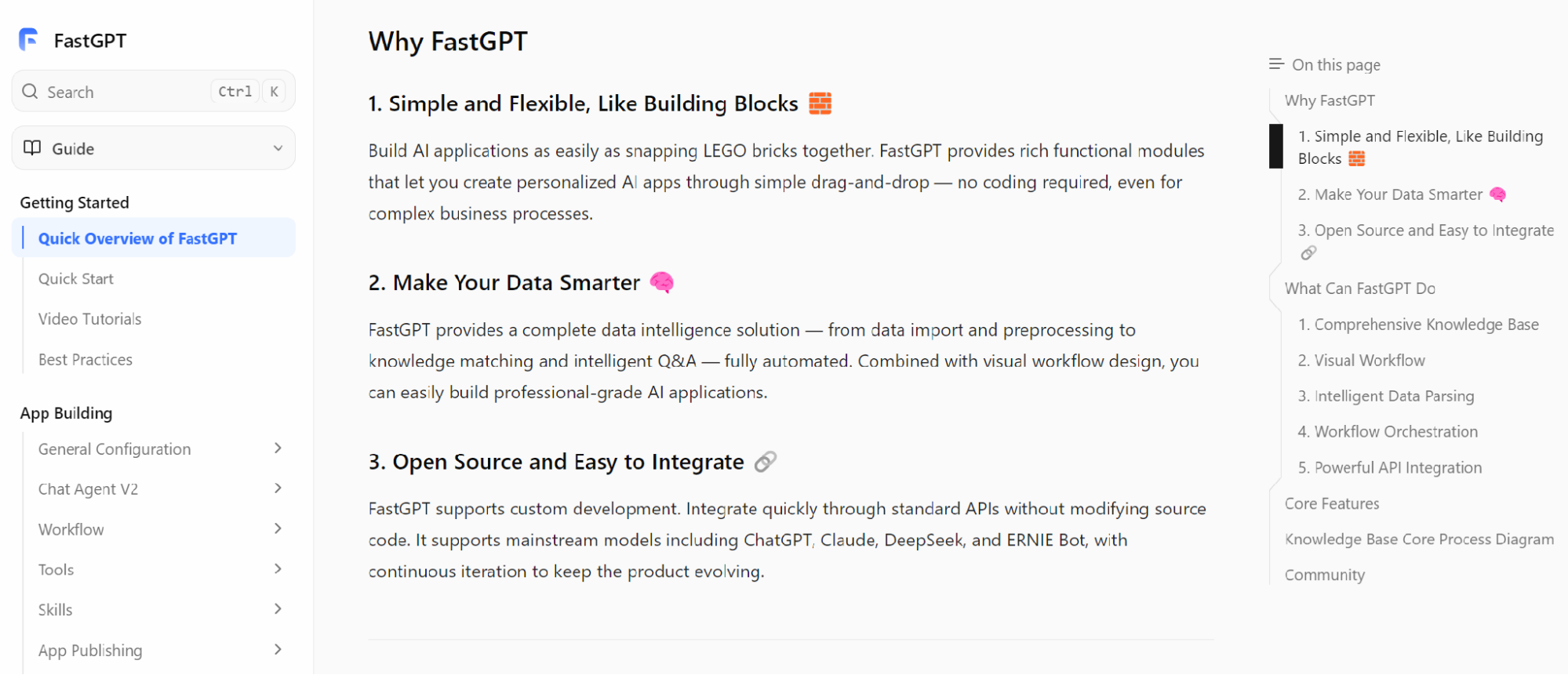
FastGPT's official documentation can help teams understand how knowledge-based applications are organized. For intranet use, the evaluation should focus on deployment model, model routing, knowledge base management, permissions, workflow integration, and operational visibility. The team should test the exact architecture it intends to use, not only a simple public demo.
Business and technical teams should evaluate together. Security defines data boundaries. IT defines network and identity requirements. Business teams define knowledge ownership. AI teams define retrieval and model behavior. A good intranet deployment needs all of these viewpoints because the system sits between data, users, and workflows.
Final Takeaway
An enterprise AI knowledge base can keep data inside the intranet if the architecture is designed for that goal. The company must define what data must stay inside, control model calls, run retrieval and indexing in the right environment, protect logs, enforce permissions, and manage integrations carefully. Intranet deployment is not a slogan. It is a set of engineering and governance decisions.
The practical path is to start with one sensitive but manageable use case, test the full data flow, and document every boundary. Once the team knows where documents, prompts, embeddings, logs, and workflow data go, it can decide how strict the deployment needs to be. The goal is not maximum isolation at any cost. The goal is to make enterprise knowledge usable while preserving the boundaries the business actually requires.